AI code review for GitHub
Revix installs as a GitHub App and reviews every pull request from the whole repository, not just the diff. No Actions minutes, no workflow file, no bot account to maintain.
What a Revix review looks like on GitHub
Revix reviews GitHub pull requests the way a senior engineer would. It reads the repository behind the change, comments with intent, and keeps the rules it enforces in step with your merged code. That is the difference between repo-aware and diff-based AI code review, and it decides most of what a reviewer can find. New to the category? Start with what AI code review actually does.
Full codebase context, not just the diff
Revix reads your entire repository, learns your conventions, and derives review rules from how your team already writes code. Every GitHub review is grounded in the whole project, so it catches issues a diff-only tool never sees.
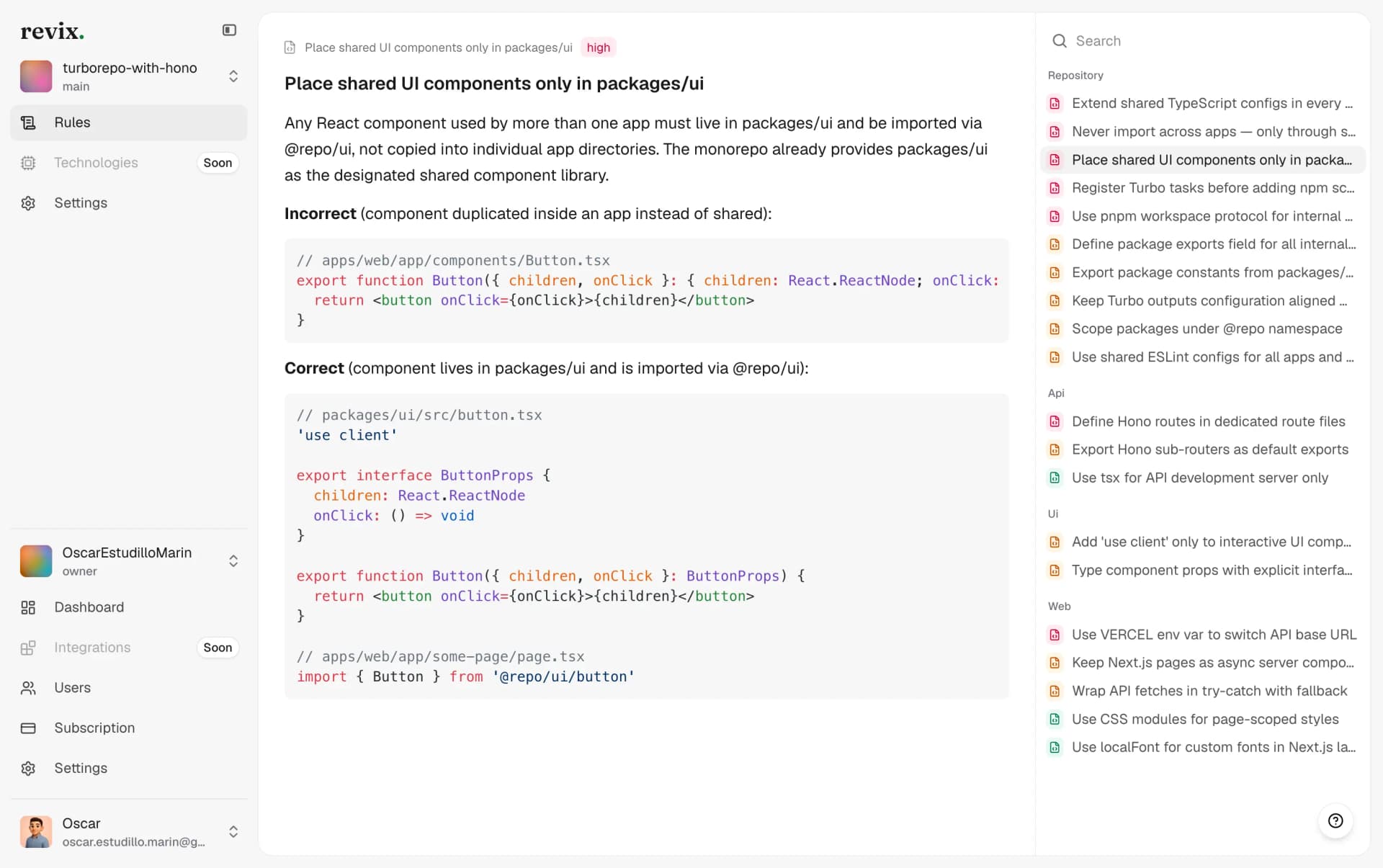
Comments written like a senior engineer
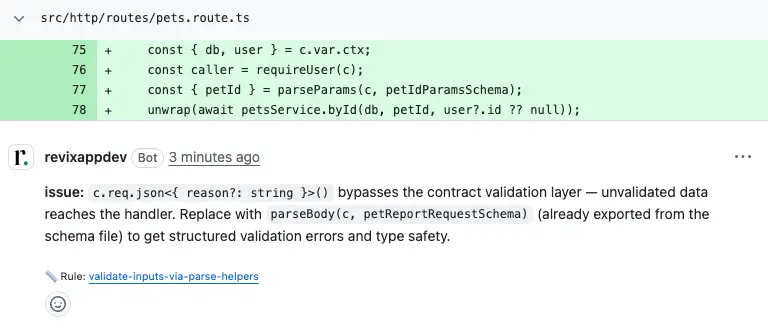
Each comment states the issue, the fix, and the rule behind it, linked back to the rule Revix learned from your own merged code. When you push a fix in a later commit, Revix resolves its own thread.
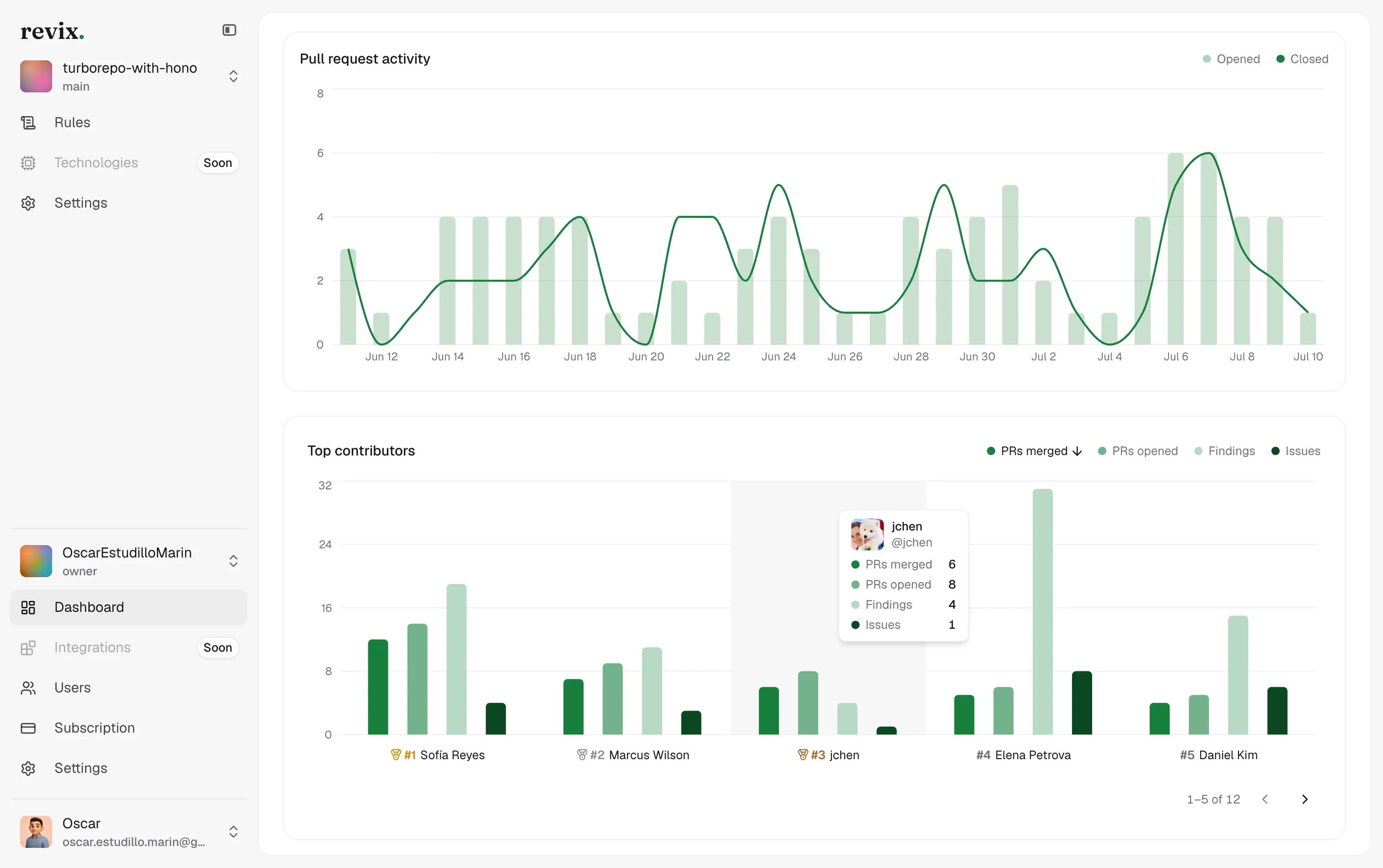
Review activity across every repo you connect
Pull request volume, findings, and who is carrying the review load, per repository. Useful when you are deciding whether AI review is actually changing how fast work merges.
Get Revix reviewing your GitHub repos
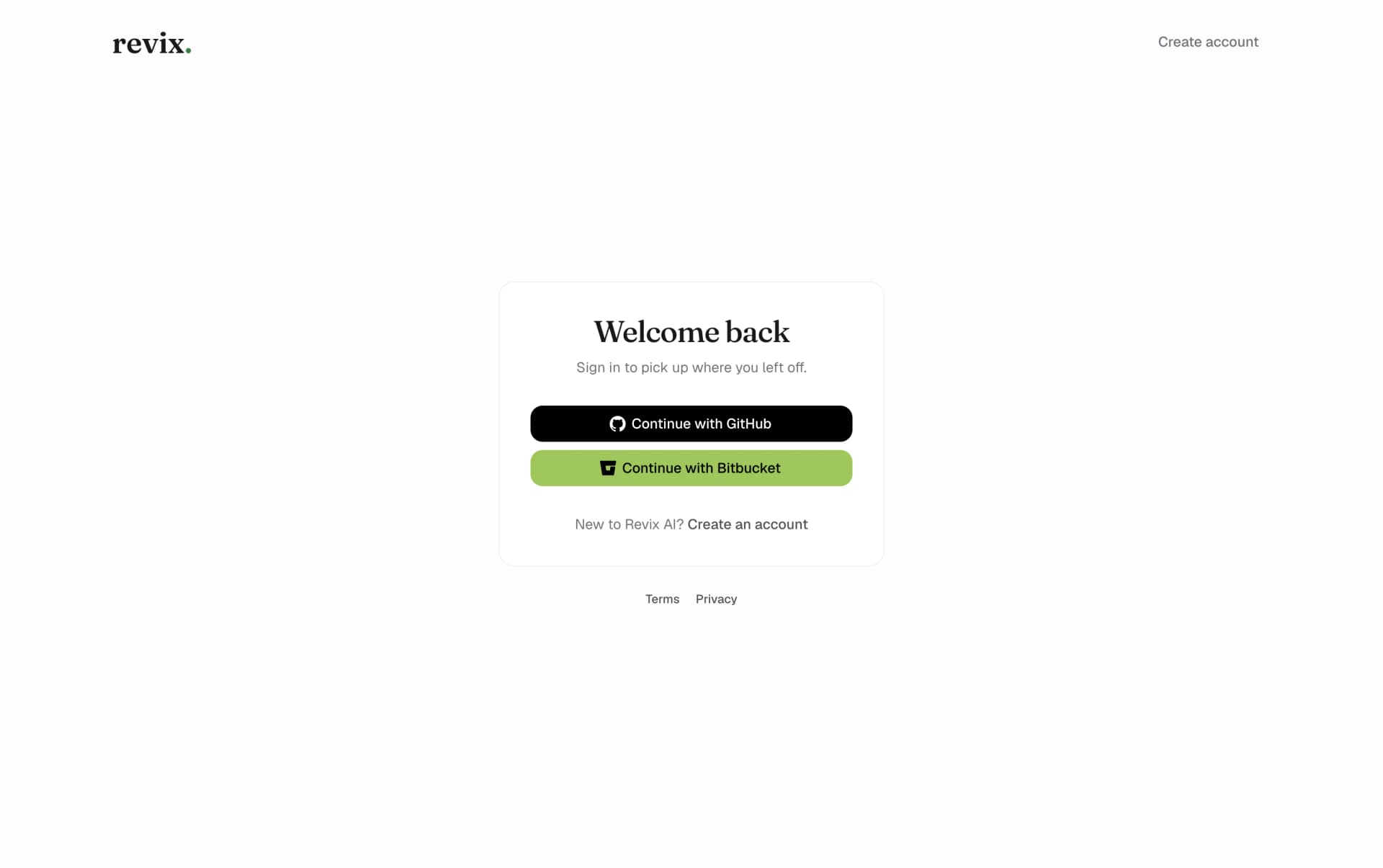
01.Sign in with GitHub
Create your Revix account with a single click using your GitHub credentials. No new password, no manual API tokens.
02.Choose where to install
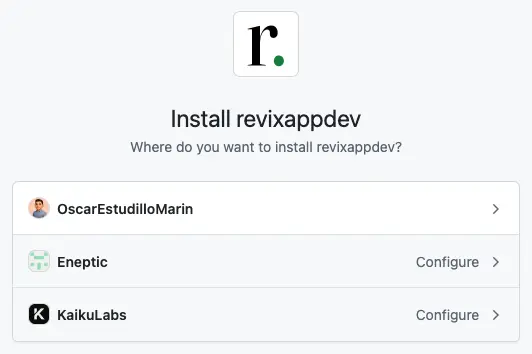
Install Revix on your personal account or on any GitHub organization you manage. Install it on more than one if your work is split across them.
03.Grant access to the repositories you pick
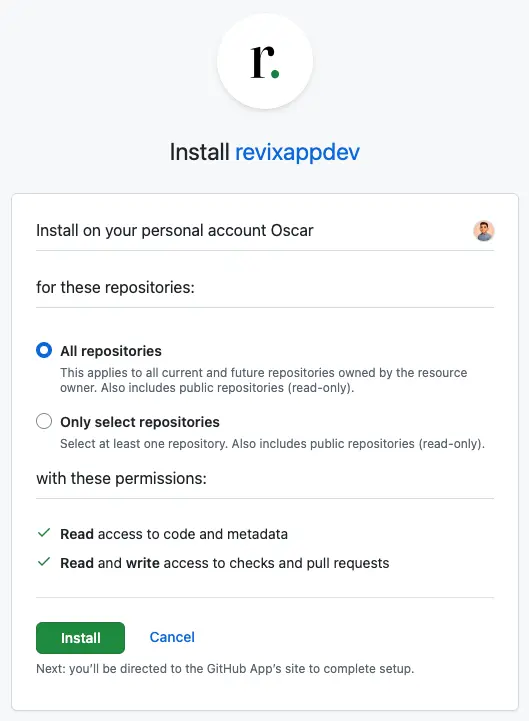
Choose all repositories or only the ones you select. Revix asks for read access to code and metadata, and read and write access to checks and pull requests, which is what it needs to post a review and resolve its own threads. Revoke the installation from GitHub settings whenever you want.
04.Open a pull request
Revix reviews every new GitHub pull request automatically. No workflow file, no config to commit, no extra commands in your workflow.
Questions GitHub teams ask
Bring senior-level reviews to your GitHub workflow
Start a 14-day free trial. No credit card required.
Start free trial